


Table of Contents
ToggleHow to Create a Free Resume Online That Stands Out
In today’s competitive job market, learning how to Create a Free Resume Online is essential. Recruiters spend only seconds scanning a resume, making first impressions critical. With easy-to-use templates and online platforms, you can Create a Free Resume Online in Minutes, saving time while producing a professional, eye-catching document.
Whether you are a fresh graduate, career changer, or experienced professional, this guide walks you step-by-step through the process. From choosing templates to optimizing content for hiring managers, every aspect is covered.
Why You Should Create a Free Resume Online
Creating a resume online is faster, smarter, and more convenient than traditional methods. Here are the main reasons:
1. Saves Time and Effort
Pre-designed templates allow you to fill in information quickly.
Avoids the hassle of formatting from scratch.
You can generate multiple versions in minutes for different job applications
2. Professional Design
Online tools offer modern and clean layouts.
Visual elements such as icons and sections make resumes stand out.
Templates are optimized for Applicant Tracking Systems (ATS).
3. Accessibility and Convenience
Work on your resume from any device—desktop, laptop, or mobile.
Cloud-based storage allows instant sharing with recruiters.
Easy updates whenever your experience or skills change.
Steps to Create a Free Resume Online in Minutes
Creating a resume online may seem intimidating at first, but the process is simple when broken down into steps.
Step 1 – Choose the Right Platform
Several platforms offer free resume builders with professional templates. When selecting one:
Look for customizable templates.
Ensure ATS compatibility.
Prefer platforms with downloadable options (PDF, DOCX).
Step 2 – Select a Template
Templates are designed to suit different industries:
Professional/Corporate: Ideal for finance, management, IT.
Creative: Suitable for marketing, design, content creation.
Modern: Simple, minimalist designs for general purposes.
Tip: Match your template with your target industry to make a strong impression.
Step 3 – Add Your Personal Information
Include essential details clearly:
Full name and contact information
Professional headline or objective
Links to LinkedIn or portfolio if applicable
Make sure these appear prominently at the top for recruiter visibility.
Step 4 – Include Education and Certifications
For students and freshers:
Mention degrees, colleges, and graduation years.
Highlight relevant certifications.
For professionals:
List advanced degrees and certifications relevant to the role.
Step 5 – Work Experience
Start with the most recent job first.
Include job title, company, dates, and key achievements.
Use bullet points to show measurable accomplishments.
Tailor content to match job descriptions whenever possible.
Step 6 – Skills Section
Highlight technical skills, software proficiency, and languages.
Include soft skills such as leadership, communication, or project management.
Prioritize skills mentioned in job descriptions.
Step 7 – Review and Optimize
Check for spelling, grammar, and formatting errors.
Use action verbs for achievements: “Managed,” “Implemented,” “Led.”
Ensure consistent font and spacing.
Step 8 – Download and Share
Export in PDF for professional sharing.
Keep an editable version for future updates.
Some platforms allow direct sharing with recruiters via email links.
Best Practices for Creating an Effective Resume Online
Even when using templates, certain practices ensure your resume captures attention.
1. Keep it Concise
Limit resumes to one or two pages.
Focus on recent and relevant experiences.
Avoid unnecessary personal details.
2. Tailor for Each Job
Customize your resume for every application.
Match keywords from the job description.
Highlight experiences that demonstrate your suitability.
3. Use Professional Language
Avoid jargon unless industry-specific.
Use numbers to quantify achievements.
Maintain a positive, active tone.
4. Visual Appeal Matters
Choose clean layouts with consistent fonts and colors.
Use headings and bullet points to enhance readability.
Avoid overcrowding the page with graphics.
5. Optimize for ATS
Avoid images and unusual fonts that ATS may not read.
Use standard headings like Experience, Education,Skills.
Include relevant keywords from job postings.

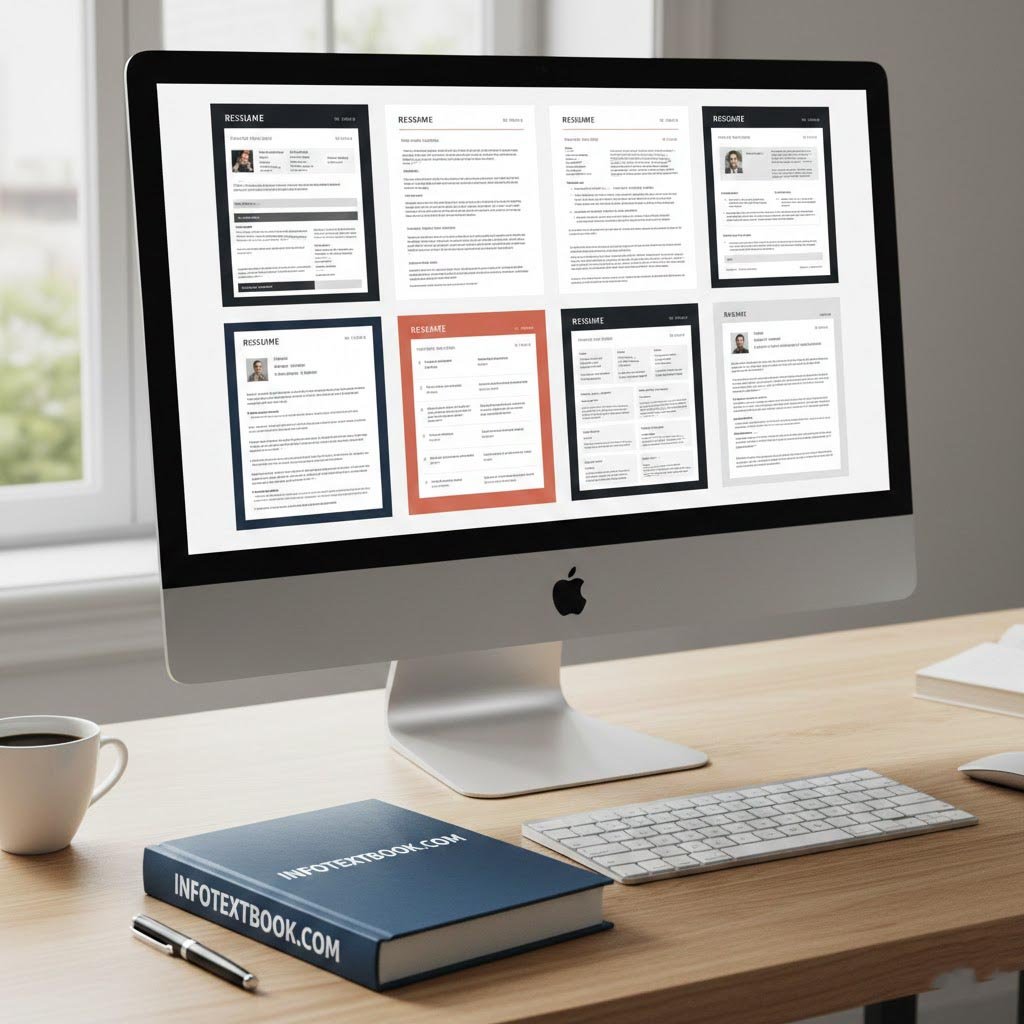
Popular Templates and Styles for Online Resume Creation
Choosing the right template can make a significant difference in recruiter perception.
1. Modern Minimalist Template
Clean, simple lines
Emphasizes content over design
Ideal for corporate or tech roles
2. Creative Resume Template
Use colors and icons strategically
Great for marketing, design, or content roles
Focuses on portfolio and creativity
3. Professional Corporate Template
Formal layout for finance, consulting, or HR roles
Includes sections for achievements, certifications, and references
ATS-friendly
4. One-Page Resume Template
Perfect for freshers and students
Condenses information efficiently
Easy for recruiters to scan
Tip: Always choose a template that aligns with the industry and job level.
Advantages of Using an Online Resume Builder
Using an online resume builder to Create a Free Resume Online in Minutes comes with multiple benefits:
Efficiency: Saves hours compared to manual formatting.
Professional Design: Ensures modern, attractive layouts.
Error-Free: Built-in formatting prevents misalignment.
Multiple Formats: Download in PDF, Word, or shareable links.
Access Anywhere: Edit and update resumes from any device.
Mistakes to Avoid While Creating a Resume Online
Even online tools cannot fix content mistakes. Avoid the following:
Overloading with information
Using generic objectives instead of role-specific ones
Spelling and grammar errors
Inconsistent fonts or colors
Ignoring ATS optimization
Tip: Always review your resume multiple times and, if possible, get feedback from a mentor or friend.
How to Make Your Online Resume Stand Out
Creating a resume is one thing, but making it stand out is an art. Here’s how:
1. Highlight Achievements
Use metrics: Increased sales by 20% in 6 months.
Focus on outcomes rather than responsibilities.
2. Include Keywords
Tailor content to match job posting keywords.
Helps pass ATS filters.
3. Showcase Skills and Certifications
Add technical and soft skills strategically.
Include industry certifications to boost credibility.
4. Include Links and Portfolio
Add LinkedIn, personal website, or portfolio links.
Showcasing projects adds proof of skills.
5. Keep It Clean and Structured
Use bullet points, headings, and white space effectively.
Avoid cluttered sections; clarity improves readability.
Tips for Freshers Creating a Free Resume Online
Fresh graduates may struggle with work experience, but online resumes can help:
Focus on internships, projects, and academic achievements.
Include volunteering or leadership roles.
Highlight skills learned during education.
Use a one-page, minimalist template to maintain readability.
Tip: Emphasize adaptability, willingness to learn, and problem-solving skills—qualities employers value in entry-level candidates.
Updating and Maintaining Your Online Resume
An online resume should be dynamic:
Update after every major achievement or role change.
Keep skills and certifications current.
Maintain multiple versions for different industries.
Periodically review design trends and refresh templates if necessary.
This ensures you are always ready for new opportunities.
Conclusion
Learning to Create a Free Resume Online empowers job seekers to present themselves professionally and efficiently. By following this guide, anyone can Create a Free Resume Online in Minutes, using easy, customizable templates that align with industry standards. A well-crafted online resume increases your chances of catching recruiters’ attention and securing interviews.
Remember: a great resume is not just about aesthetics it’s about clarity, relevance, and showcasing your best skills. Start today, and give your career the professional edge it deserves.
Frequently Asked Questions (FAQs)
Q1. Can I really create a free resume online without payment?
Yes, many platforms provide free templates and tools to build professional resumes without any cost.
Q2. How long does it take to create a resume online?
With ready-to-use templates, you can Create a Free Resume Online in Minutes, often under 10–15 minutes.
Q3. Are online resumes ATS-friendly?
Most reputable online resume builders design templates to be compatible with Applicant Tracking Systems, increasing your chances of selection.
Q4. Can I update my resume online anytime?
Yes, cloud-based resume platforms allow you to edit, update, and download your resume whenever needed.
Q5. Which template is best for entry-level candidates?
A simple, one-page, professional or modern template works best for freshers, highlighting education, internships, and skills effectively.